
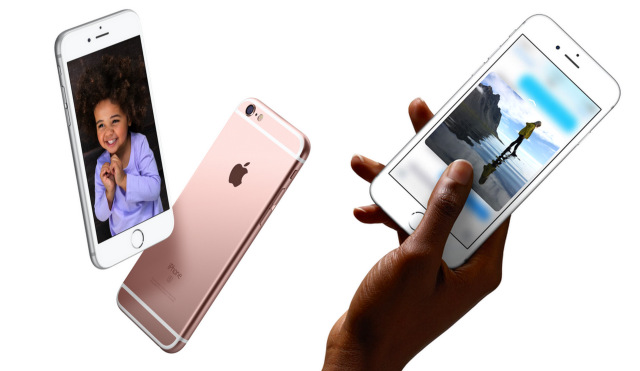



Facebook is finally rolling out the support for Live Photos. So iPhone 6s and 6s Plus users like me can finally share the fun of Live Photos with our friends and family on social media.
Live Photos turns those boring instant images into unforgettable living memories by capturing the seconds before and after the image was shot.
https://www.youtube.com/watch?v=N_r349riLEE
The Facebook roll out will start with a small percentage of users globally, with broader roll out to continue in the new year. Any user who is part of the rollout running iOS 9 on their iPhone or iPad will be able to experience Live Photos in the Facebook app. So even if they don’t have an iPhone 6s, simply press and hold on the Live Photo to see it in motion and sound.
How to Post a Live Photo on Facebook
- From the News Feed, click Photo and select your Live Photo (look for the concentric Live Photo circle in the corner)
- Before you hit Post, tap on the lower right hand corner of the photo where it says “Live” – this will ensure you upload in the Live format.
- Add a caption as you normally would and click Post